What's new: One-click apply, clearer scores and a new walkthrough
The RMP team · 27 October 2026 · 1 min read
This week makes applying faster, tells you honestly what your score means, and shows the whole product in a short film.
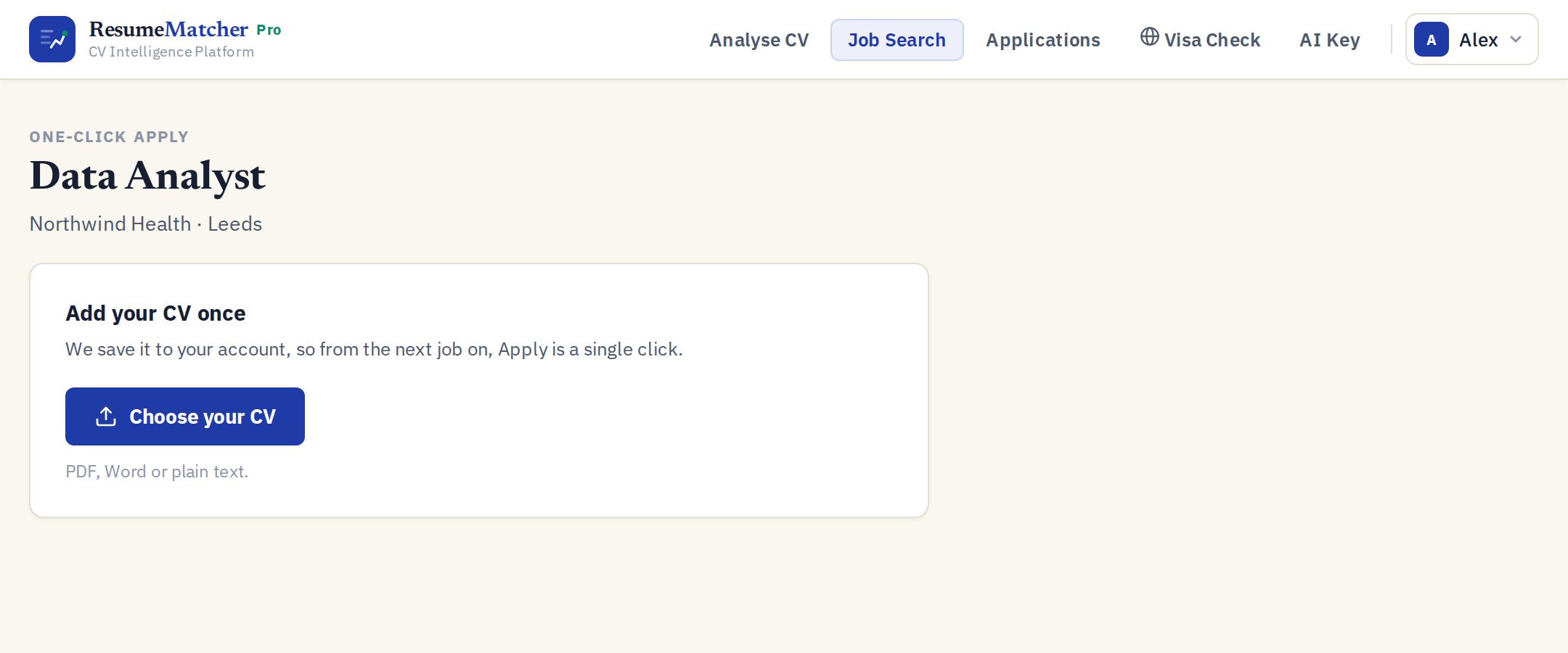
Apply to a job in one click
Every job now has an Apply button that tailors your CV and writes your cover letter in one step, then opens the employer's application page. The job is added to your Applications as Applied, with an undo if you change your mind. RMP never submits an application for you. You'll also be told when a score was based only on a job board's short summary, with a way to paste the full advert.
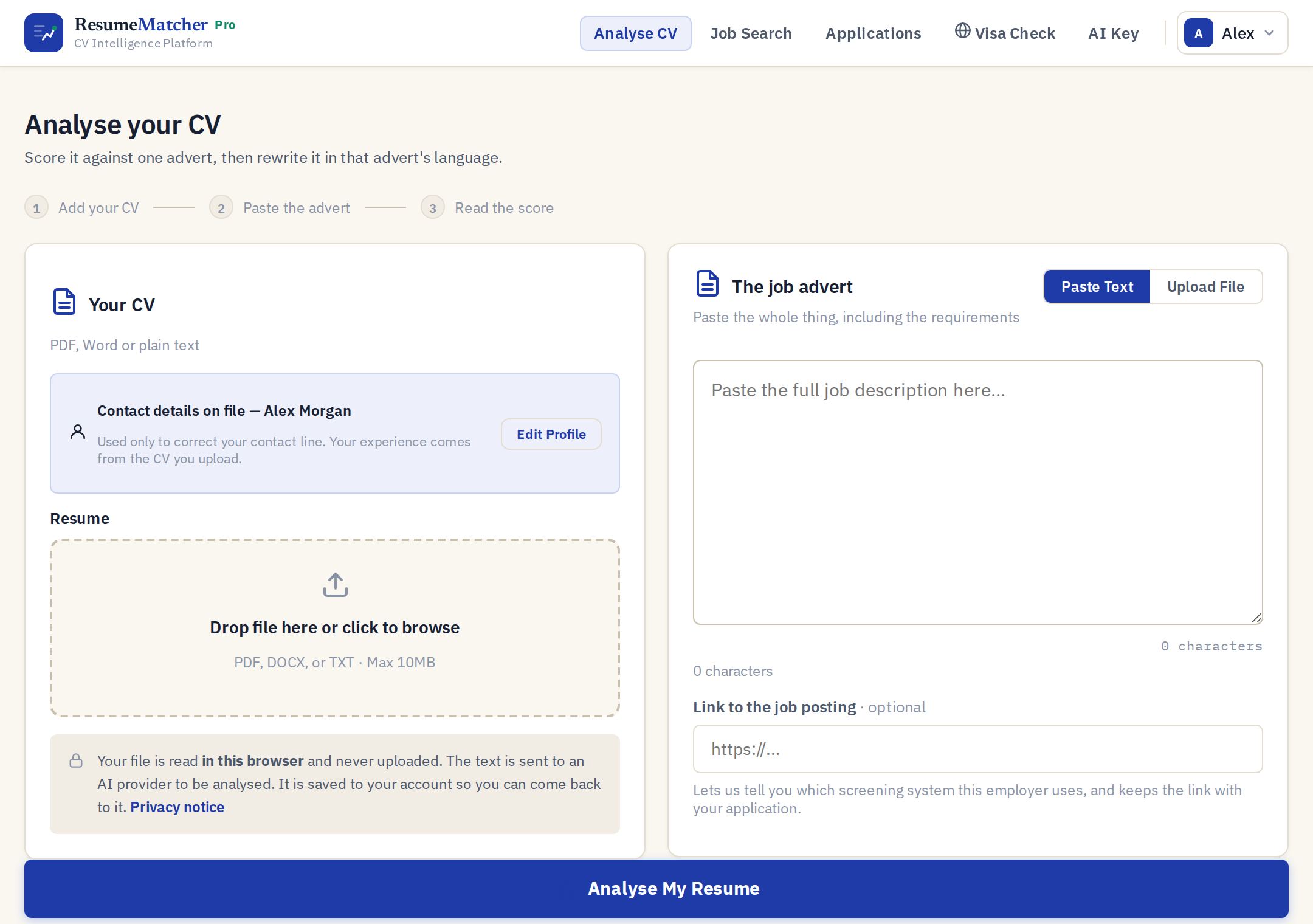
Know what your score really means
The score is RMP's own estimate, and the screens now say so instead of implying an employer's screening software has judged you. Badges show what they count, such as how many critical keywords are missing, and the guesses about other companies' systems have been removed from your Applications. Your scores and the employer's name are still there.
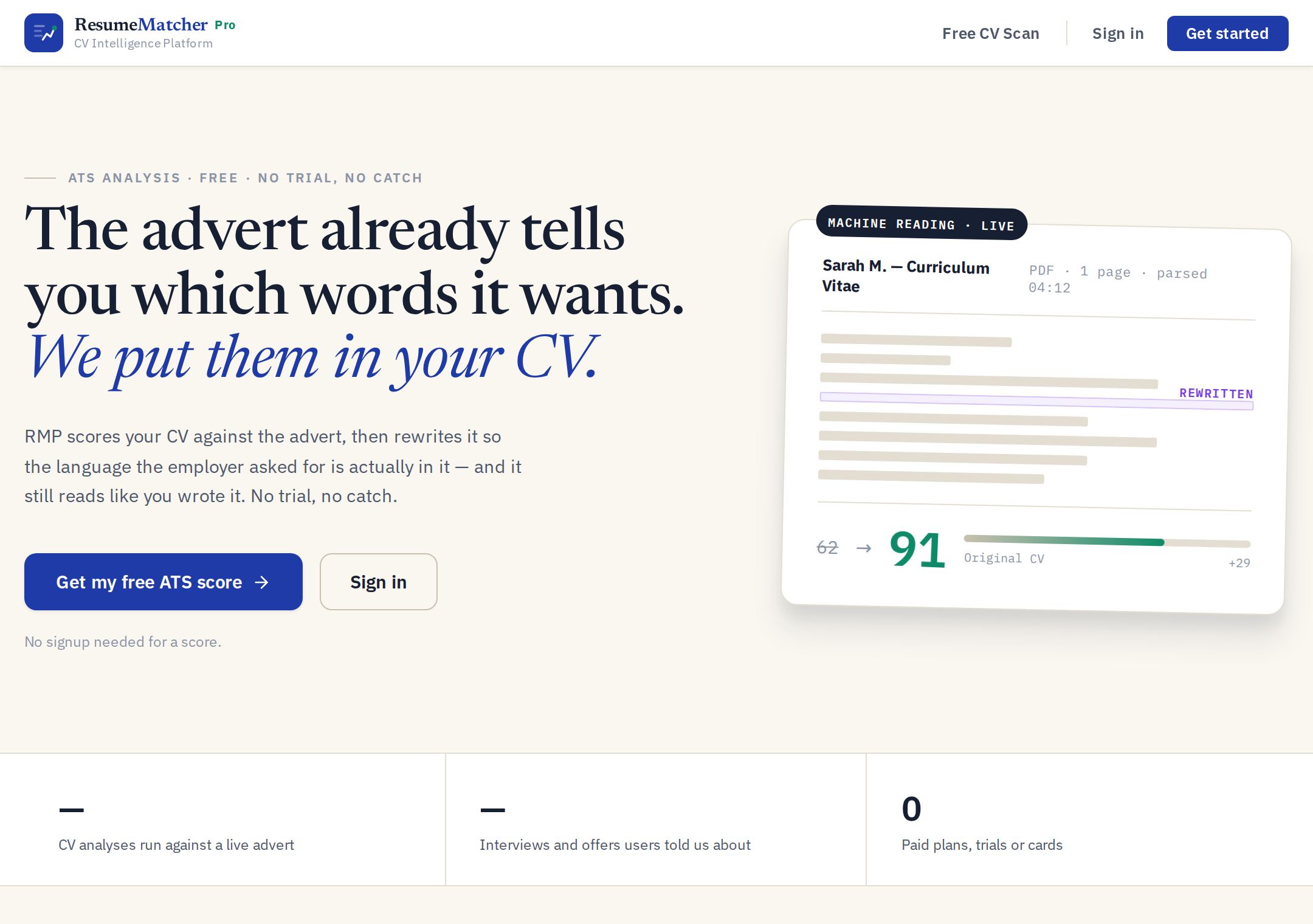
Watch the product in action
The home page film now follows one made-up job seeker through the real screens, from scoring a CV to rewriting it, writing a cover letter, finding a job and tracking an application. It plays silently on a loop and works on phones too.
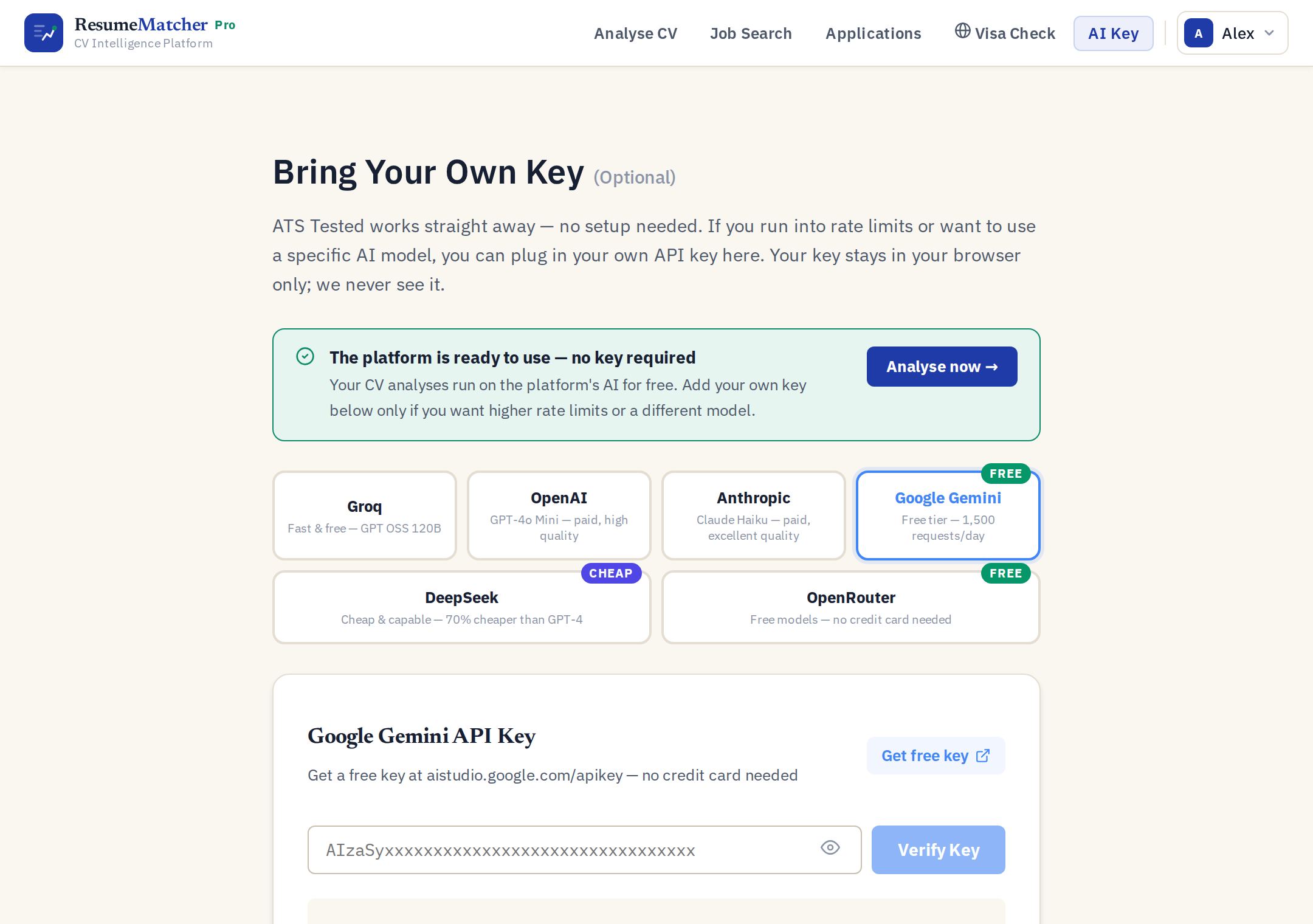
Your analyses keep running if your key fails
If a personal AI key you saved stops working, RMP now uses its own AI so your analyses carry on. A short notice tells you your key was rejected and links to the settings where you can update it.
Check your CV against a real job
Share this
This week makes applying faster, tells you honestly what your score means, and shows the whole product in a short film.
Post on X Share on LinkedIn